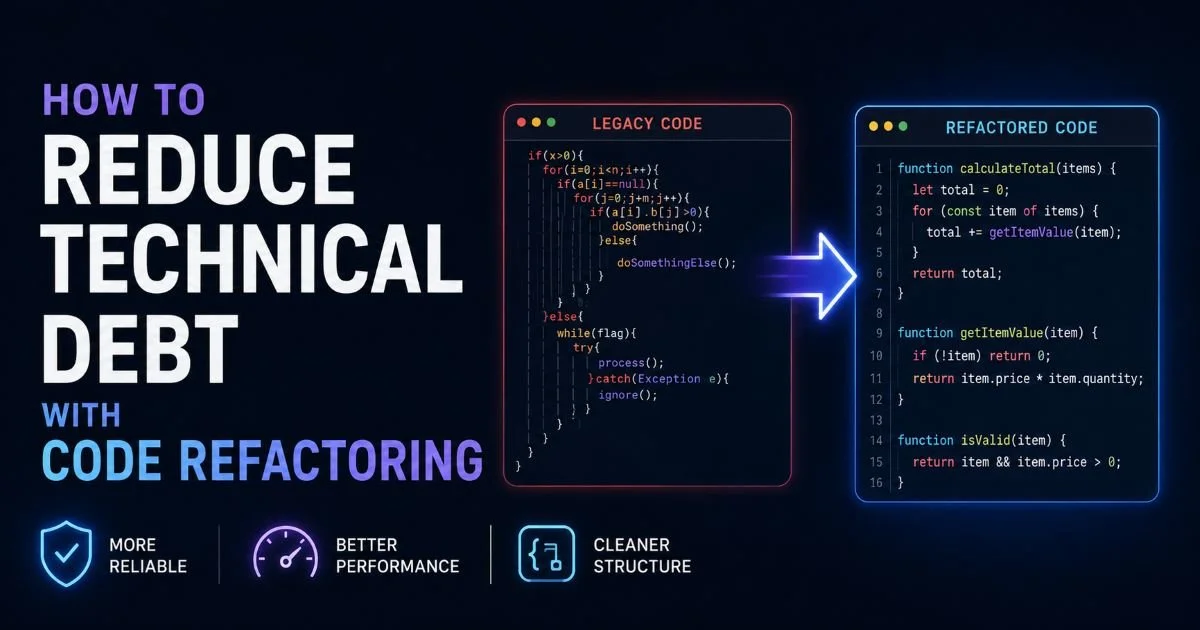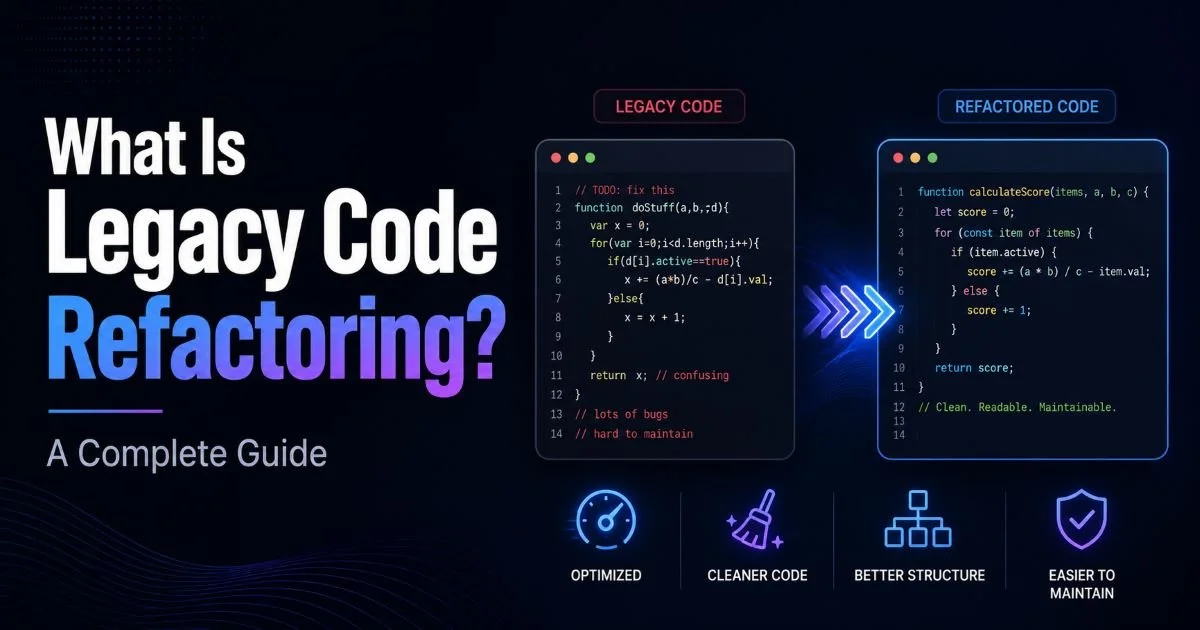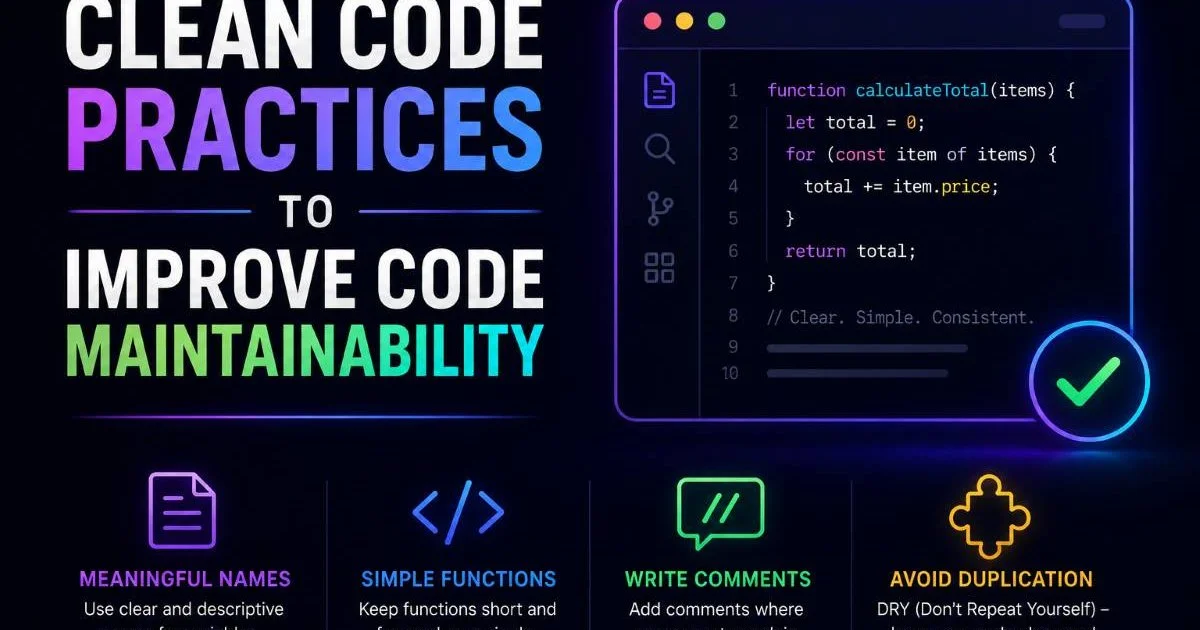
Clean code practices are the foundation of long-term code maintainability, yet many development teams struggle to apply them consistently across aging systems. When you're working with legacy code, the challenge intensifies: tangled dependencies, unclear naming, and years of shortcuts accumulate into a codebase that resists change. Code refactoring offers a structured path forward, but only when guided by principles that make the resulting code genuinely easier to read, test, and extend.
The cost of ignoring clean code standards compounds over time, turning minor fixes into multi-day investigations. Technical debt doesn't just slow you down; it makes your team dread opening certain files. This guide walks through four concrete steps you can apply today to transform how your codebase reads, behaves, and evolves.
Whether you're maintaining a ten-year-old monolith or cleaning up a two-year-old microservice, these practices will pay dividends immediately.
Key Takeaways
- Meaningful naming eliminates the need for most inline comments in your code.
- Small, single-purpose functions are dramatically easier to test and debug.
- Consistent formatting reduces cognitive load and speeds up code reviews significantly.
- Removing dead code cuts confusion and shrinks your project's maintenance surface area.
- Automated linting tools enforce clean code standards without relying on willpower alone.

Step 1: Adopt Meaningful Naming Conventions
Naming is the single most impactful clean code practice you can adopt. A variable called d tells you nothing; a variable called daysSinceLastLogin tells you everything. When working through legacy code refactoring, renaming obscure identifiers is often the fastest way to make a codebase understandable. Good names act as documentation that never goes stale, because they travel with the code itself.
Variables and Functions
For variables, use nouns that describe what the value represents, not how it was computed. Replace temp with discountedPrice or unreadMessageCount. For functions, use verbs that describe the action: calculateShippingCost beats doCalc every time. Avoid abbreviations unless they are universally understood within your domain, like url or id. The extra keystrokes pay for themselves in readability within minutes.
Run a search for single-letter variable names in your codebase. Each one you rename is an immediate readability win.
Classes and Modules
Class names should be nouns or noun phrases that describe the entity they model: InvoiceProcessor, UserRepository, PaymentGateway. Avoid generic suffixes like Manager or Handler unless the class genuinely manages a lifecycle. Module names should reflect their bounded context. A module called utils is a dumping ground; a module called emailValidation communicates intent. When you're evaluating whether to refactor legacy code versus doing a full rewrite, poor naming throughout the system is often a sign that refactoring first makes more sense, because renaming reveals the actual architecture hiding underneath.
Be consistent with your conventions across the entire project. If you use camelCase for functions in one file, don't switch to snake_case in another without a project-wide agreement. Consistency reduces the mental overhead of switching between files. Document your naming conventions in a short style guide and enforce them during code review.
Step 2: Write Small, Single-Responsibility Functions
Functions that do one thing well are the backbone of maintainable software. Robert C. Martin's guideline of keeping functions under 20 lines isn't arbitrary; it reflects a cognitive limit. When a function handles input validation, business logic, database writes, and error logging all at once, any change becomes risky. Splitting these concerns into separate functions makes each one independently testable and replaceable.
The Extraction Technique
The extract method refactoring pattern is your primary tool here. Identify a block of code within a long function that does one coherent thing, give it a descriptive name, and move it into its own function. For example, a 60-line processOrder function might contain a 15-line block that validates inventory. Extract that into validateInventoryAvailability and call it from the original function. The original function now reads like a high-level summary, and each extracted piece can be understood and tested in isolation.
Testing Becomes Natural
Small functions with clear inputs and outputs are inherently testable. You don't need complex mocking frameworks when a function takes two arguments and returns a boolean. This is especially valuable when reducing technical debt with code refactoring, because you can add tests incrementally as you extract functions, building a safety net around the areas you're changing. Each new test gives you confidence to refactor further.
Aim for functions that operate at a single level of abstraction. A function that calls getUser, validatePermissions, and renderDashboard is at one level. If that same function also contains a raw SQL query, it's mixing levels. Push the SQL down into getUser. This separation makes your code read like well-structured prose: the high-level function tells you the story, and the low-level functions handle the details.
Don't extract functions so aggressively that you create dozens of one-liner wrappers. The goal is clarity, not an arbitrary line count target.
Step 3: Eliminate Dead Code and Reduce Complexity
Dead code is a silent tax on every developer who encounters it. Commented-out blocks, unused imports, feature flags that will never toggle back, and functions that nothing calls anymore all create noise. They make developers hesitate ("Is this still needed? Will something break if I remove it?"), and that hesitation slows down every future change. Your version control system already preserves history; there's no reason to keep dead code in the working tree.
Identifying Dead Code
Static analysis tools like SonarQube, ESLint's no-unused-vars rule, or IntelliJ's built-in inspections can flag unreachable code automatically. For larger projects, run a coverage report against your test suite: functions with zero coverage are candidates for review. In legacy systems with poor test coverage, grep for function names across the codebase before removing anything. When working with legacy code refactoring strategies for large codebases, a systematic dead code audit often removes 5% to 15% of total lines, making the remaining code significantly easier to navigate.
Simplifying Conditional Logic
Cyclomatic complexity, the number of independent paths through a function, directly predicts bug density. Functions with deeply nested if/else chains or switch statements spanning 100 lines are maintenance nightmares. Replace nested conditionals with early returns (guard clauses) to flatten the structure. Convert complex switch statements to strategy patterns or lookup tables. A function with a cyclomatic complexity above 10 should be refactored without hesitation.
| Technique | Before Complexity | After Complexity | Best For |
|---|---|---|---|
| Guard clauses (early return) | 6 to 8 | 2 to 3 | Nested validation checks |
| Strategy pattern | 10 to 15 | 1 to 2 per strategy | Type-based branching |
| Lookup table / map | 8 to 12 | 1 | Value-to-value mapping |
| Polymorphism | 10 to 20 | 1 per class | Behavior varying by type |
| Decompose conditional | 5 to 7 | 2 to 3 | Complex boolean expressions |
Each technique targets a different kind of conditional sprawl, and choosing the right one depends on context. Guard clauses work best when you have multiple preconditions that should short-circuit execution. The strategy pattern shines when behavior varies based on a type or category. Whatever approach you choose, measure cyclomatic complexity before and after to confirm you've actually improved the code, not just moved the mess somewhere else.
"The best refactoring doesn't add new features. It makes adding future features possible."
Step 4: Enforce Standards With Automated Tooling
Clean code standards that depend on human discipline alone will erode over time. Sprint pressure, new team members, and simple fatigue all conspire against manual enforcement. Automated tools remove the willpower requirement by making violations visible (or impossible) at the point of creation. The investment in setting up these tools typically pays for itself within the first month of consistent use.
Linters and Formatters
Configure a linter (ESLint for JavaScript/TypeScript, Pylint or Ruff for Python, RuboCop for Ruby) with rules that reflect your team's agreed standards. Run it in your CI pipeline so non-compliant code cannot be merged. Pair it with an auto-formatter like Prettier or Black to eliminate all formatting debates entirely. When formatting is automated, code reviews can focus on logic and design rather than whitespace arguments. These tools catch issues ranging from unused variables to overly complex functions.
Add a pre-commit hook that runs your linter and formatter locally. Developers get instant feedback before they even push.
AI-Assisted Refactoring
Modern development workflows increasingly incorporate AI tools that can identify refactoring opportunities automatically. Extensions like Cline for VS Code use AI agents to suggest improvements, extract functions, and rename variables based on context. These tools don't replace your judgment, but they accelerate the mechanical parts of refactoring. They're particularly useful for scanning large files and flagging sections that violate clean code principles you might miss during manual review.
Integration matters more than tool selection. A linter that isn't in the CI pipeline is just a suggestion. A formatter that half the team doesn't run locally creates noisy diffs. Spend the time to integrate your toolchain into every developer's workflow: IDE plugins, pre-commit hooks, CI gates, and pull request checks. When the tooling is invisible and automatic, compliance becomes effortless. Document the setup process so new team members can get running in under 30 minutes.
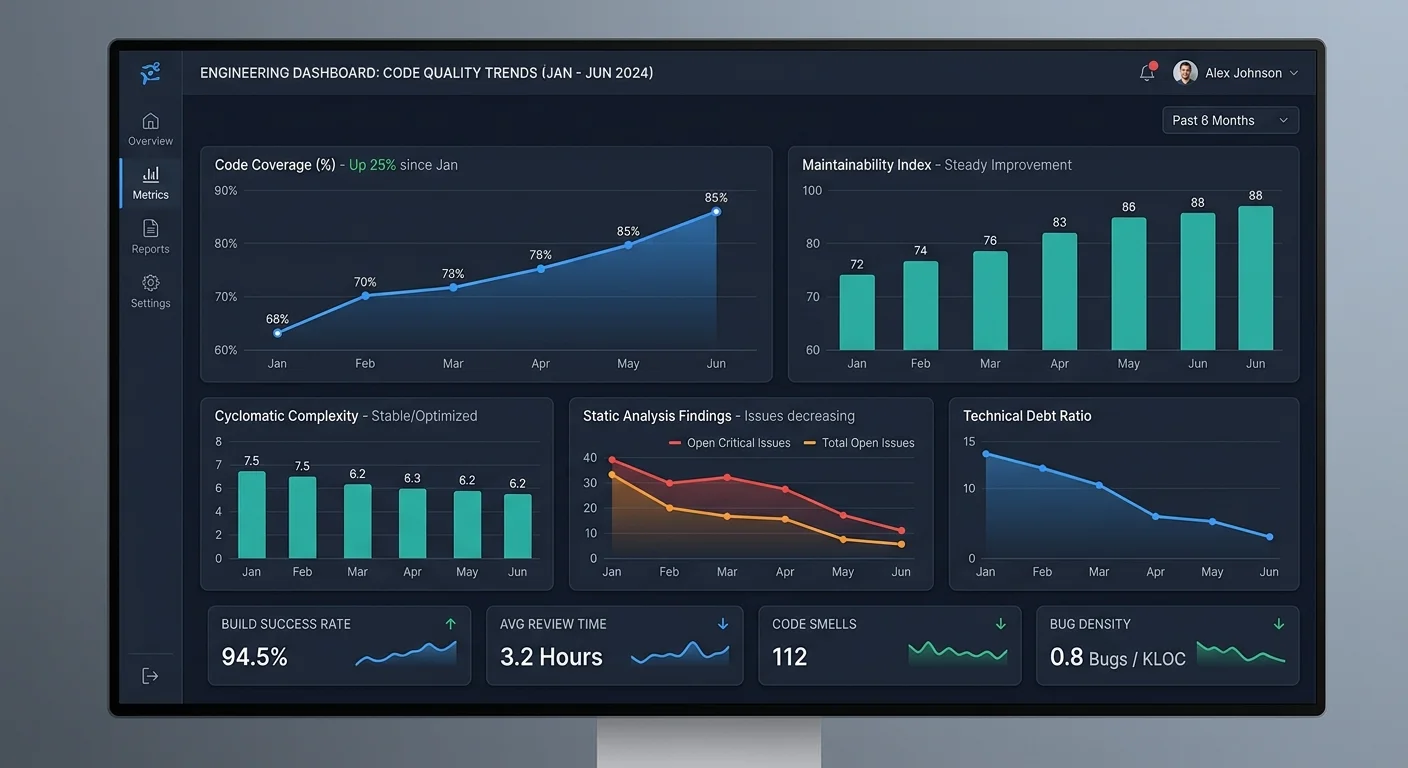
Track your metrics over time. Many linting tools can export trend data showing rule violations per week or average cyclomatic complexity per module. These numbers give you an objective view of whether your clean code efforts are actually improving the codebase or just holding the line. Share the trends with your team regularly; visible progress is a powerful motivator that keeps clean code practices from feeling like busywork.
Don't enable every available linting rule at once on a legacy codebase. Start with critical rules and expand gradually to avoid overwhelming your team with thousands of warnings.
FAQs
Q: What are clean code practices?
Clean code practices are simple rules that make code easier to read, test, debug, and maintain.
Q: Why is naming important in clean code?
Good names explain what variables, functions, and classes do without needing extra comments.
Q: How does refactoring improve maintainability?
Refactoring breaks complex code into smaller, clearer parts, making future changes safer and faster.
Final Thoughts
Clean code isn't a destination; it's a daily practice that accumulates into a codebase your team actually enjoys working with. Start with naming, break down bloated functions, remove what's dead, and let automated tools guard the standard.
None of these steps requires permission from a product manager or a dedicated refactoring sprint. Apply them every time you touch a file, and within weeks, you'll notice faster code reviews, fewer bugs, and a team that moves with confidence instead of dread.
Disclaimer: Portions of this content may have been generated using AI tools to enhance clarity and brevity. While reviewed by a human, independent verification is encouraged.